When you take your first photo with the app, iNaturalist will ask you for permission to save photos to your library:
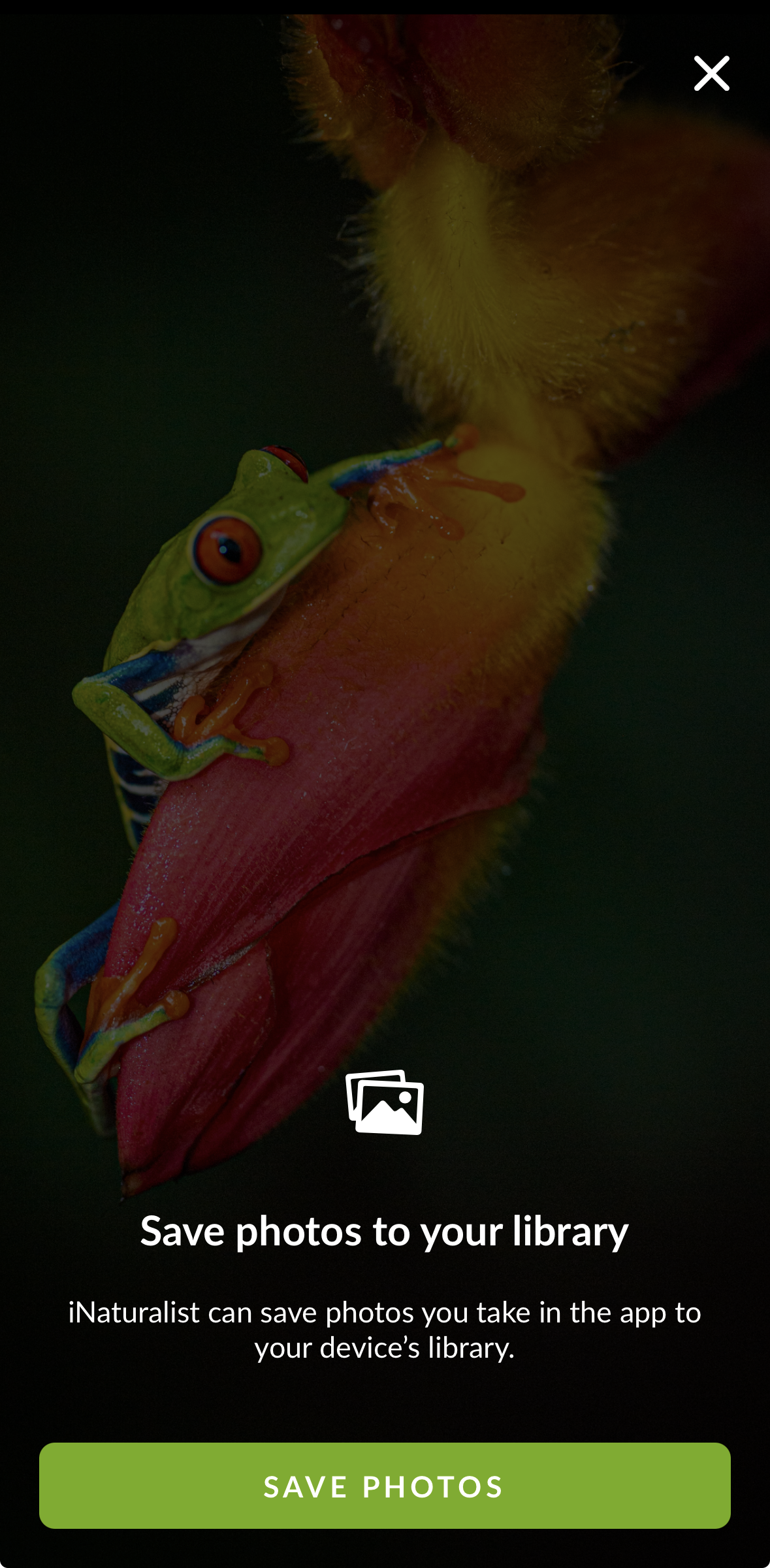
Tapping "Save Photos" means that iNaturalist will save photos you take in the app to your phone's library. It does not mean iNaturalist has access to any of the photos in your library, it can only save new photos to your library. We ask permission to do this because the moments you capture on iNaturalist are often fleeting and special and you may want to keep them for future use.
If you click on the X icon in the upper right-hand corner of the screen, this will prevent iNaturalist from saving photos you take in the app to your phone's library, and you will have no backups of the photos.
When you import photos into iNaturalist, the photo picker you use is not part of the iNaturalist app. Rather, it's from your iPhone's operating system. It will often display this:
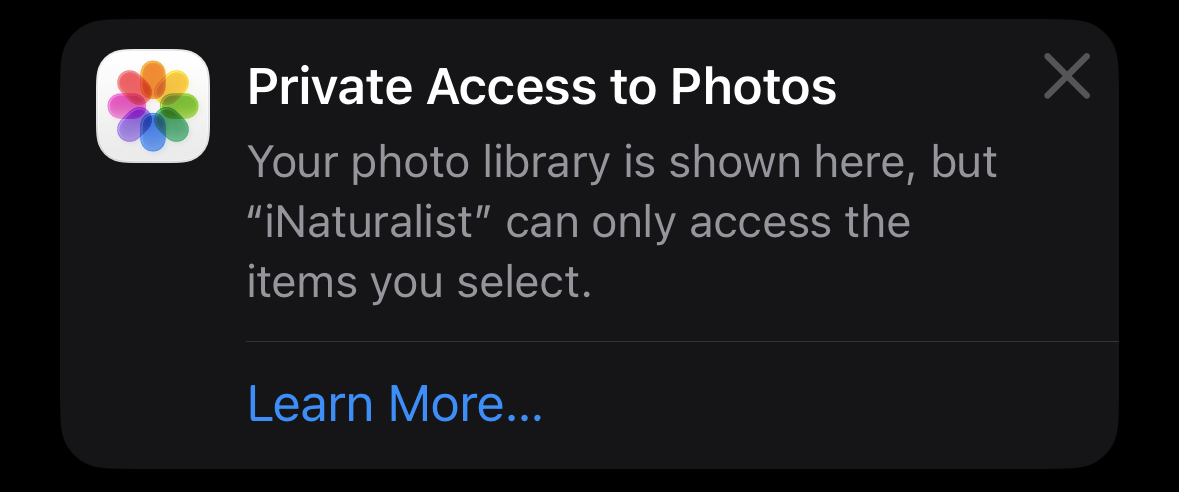
If you tap on "Learn More", you'll see this explanation from Apple:
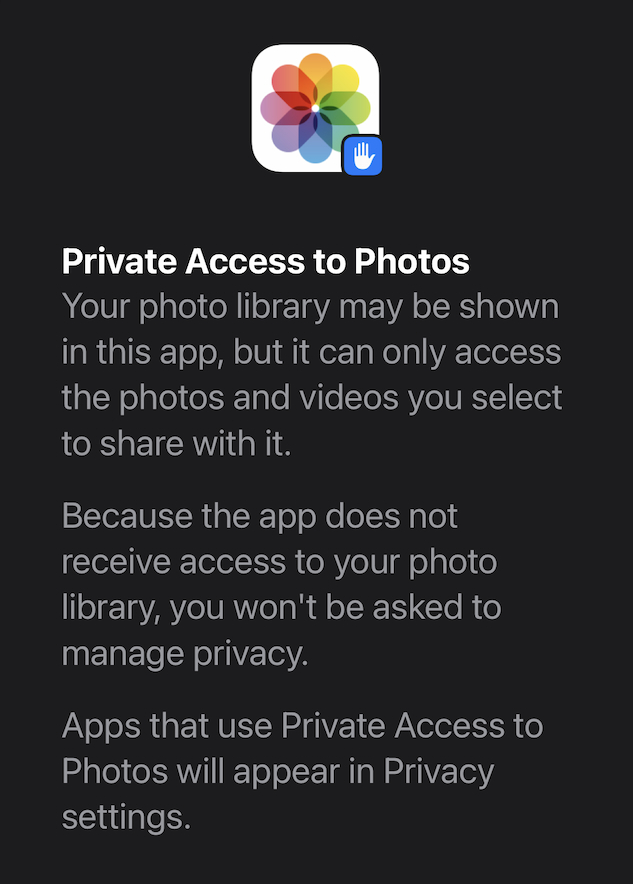
iNaturalist never has full access to your phone's photo library, the app only ever sees the photos you choose to share with it.
Was this article helpful?
That’s Great!
Thank you for your feedback
Sorry! We couldn't be helpful
Thank you for your feedback
Feedback sent
We appreciate your effort and will try to fix the article